Make your screen
feel like yours.
Explore pixel-precise wallpapers, widgets, icon sets, and complete themes for iPhone home and lock screens.
Explore it8.artBuild your setup
Four ways to begin.
 01
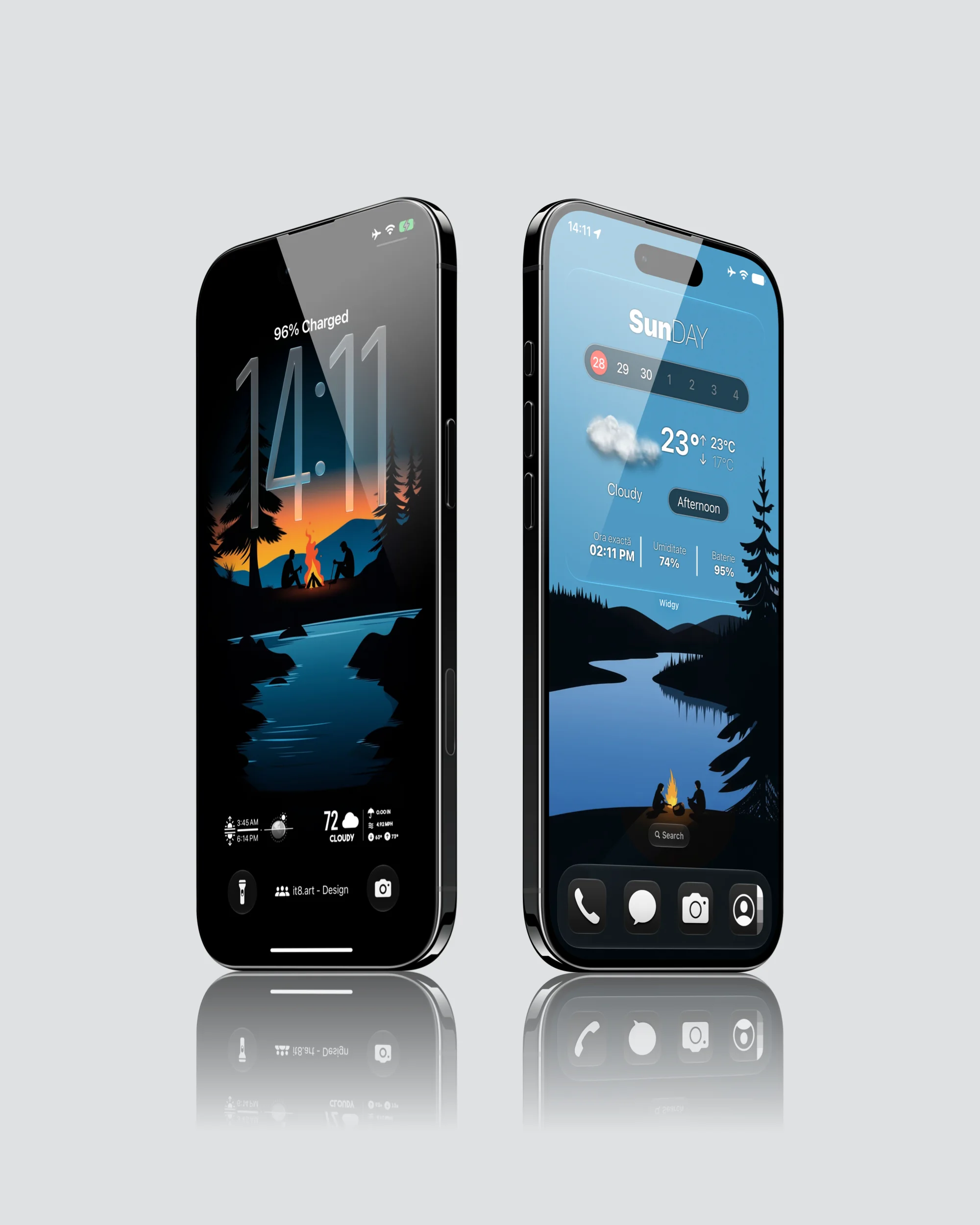
01Wallpapers
High-resolution iPhone backgrounds composed for lock-screen clocks, widgets, icons, and dark mode.
View collection ↗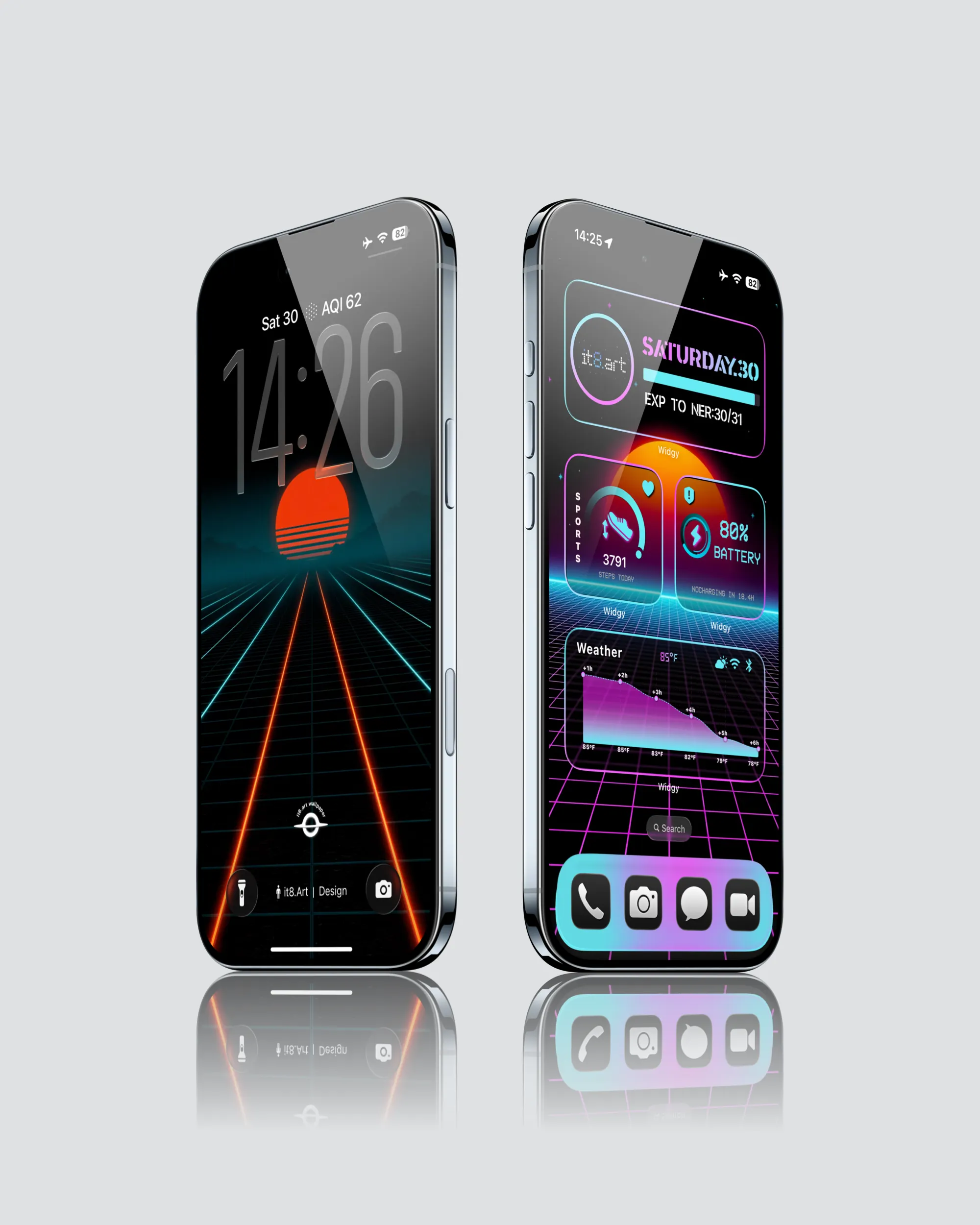 02
02Widgets
Matching Widgy layouts for time, date, weather, battery, and focused home-screen setups.
View collection ↗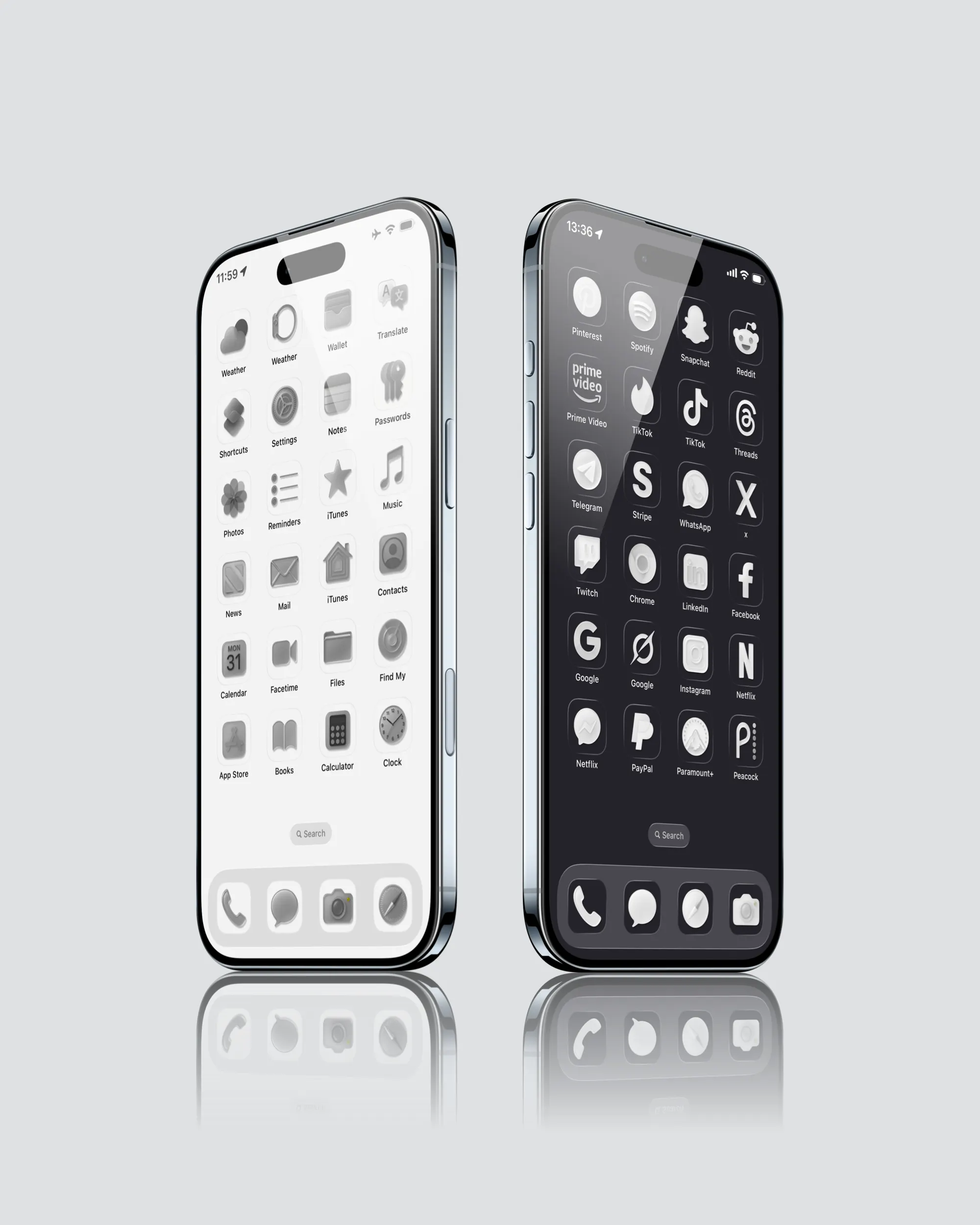 03
03Icons
Minimal app icon sets designed to stay coherent across light, dark, and monochrome screens.
View collection ↗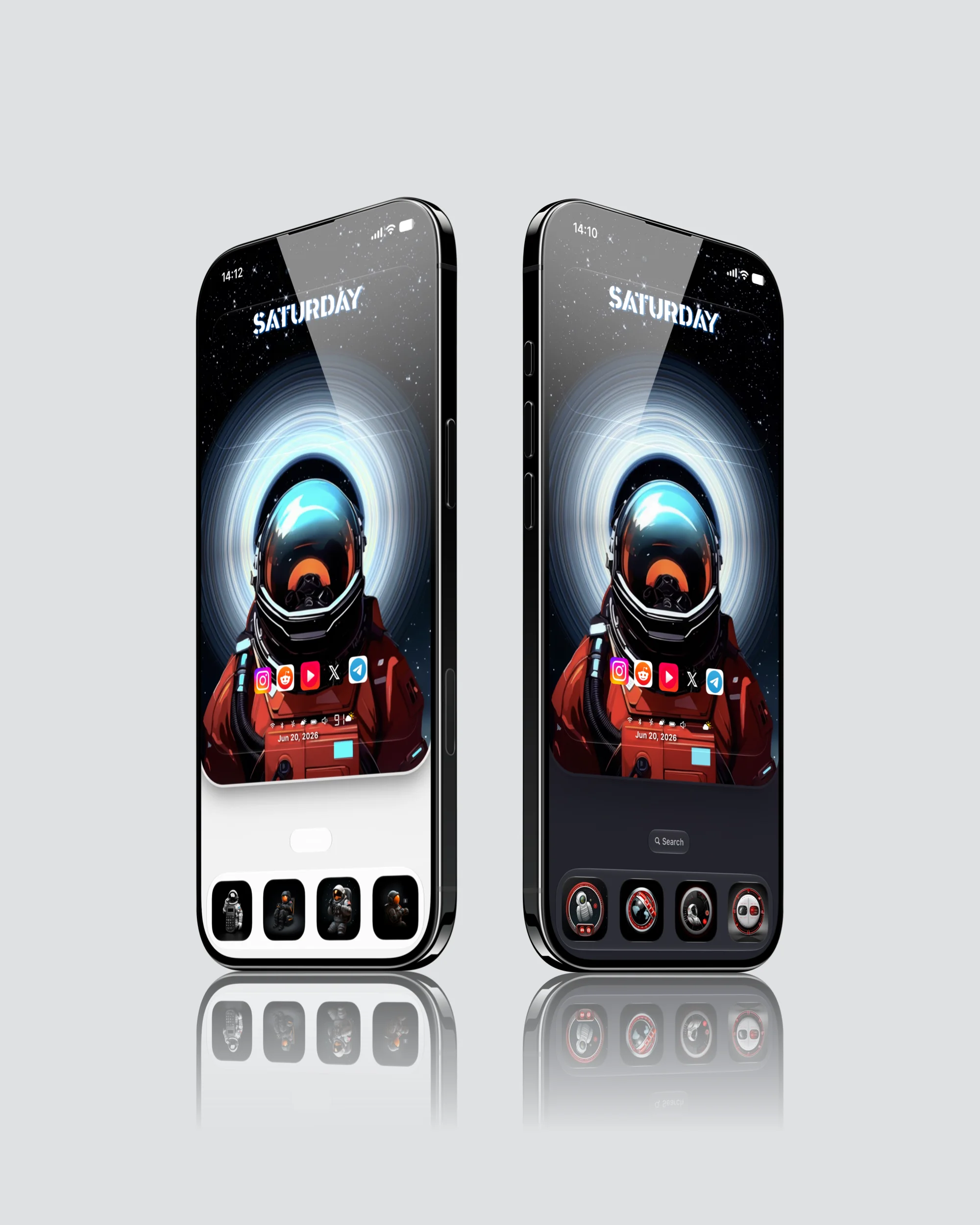 04
04Themes
Complete visual systems that bring wallpapers, widgets, icons, and setup guidance together.
View collection ↗A simpler setup system
Less decoration.
More intention.
A good iPhone setup is not about adding more. It is about choosing a visual direction, keeping each element useful, and letting the screen breathe.
Read the iPhone Wallpaper Size & Resolution Guide- 01
Choose a mood
Start with calm, monochrome, cinematic, playful, or high-contrast visuals.
- 02
Match the system
Add only the widgets and icons that make the composition feel intentional.
- 03
Follow the guide
Use the included setup notes to rebuild the look on your own iPhone.
Ready when your screen is.